
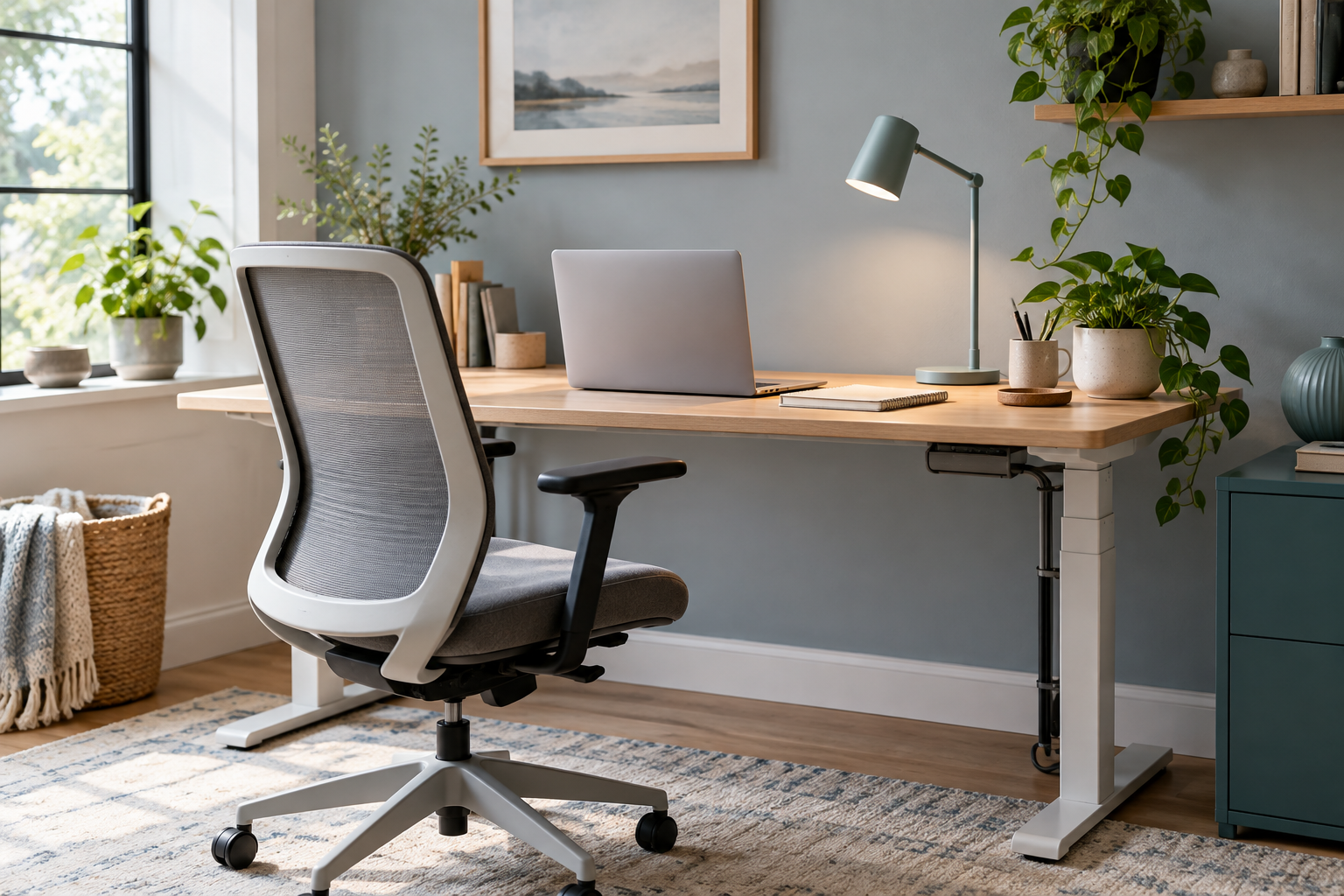
A broad, brand-neutral guide for readers getting started. It focuses on practical choices and trade-offs rather than product endorsements.
Notice what interrupts your workday
A workday can be worn down by tiny interruptions: a screen that sits too low, a lamp that throws glare, or a notebook that never has a place to land. Before shopping for a complete office makeover, spend one ordinary day noticing what gets in your way. That short audit gives every later change a clearer purpose.
Five areas worth reviewing
- Chair and sitting position. Look for a seat you can adjust to your body and desk; comfort is personal, so use trial or return periods when available.
- Screen height and distance. Arrange the display so you are not constantly leaning forward or turning to one side.
- Keyboard and pointing device. Choose shapes and sizes that feel natural for your hands and fit the space.
- Lighting. Move a lamp or screen to reduce glare and make reading easier throughout the day.
- Storage and cables. Keep often-used items within reach and route cords away from walking areas.
Spend in the order you feel the problem
If a screen is too low, a stand or stack of sturdy books can help you test a better position before buying furniture. If the chair is uncomfortable, adjust what you have and measure the desk before comparing replacements. Small changes can show whether a bigger purchase is likely to solve the issue.
Measure before ordering
Check the width and depth of your workspace, desk height, available outlets, and the path through doorways. Read assembly requirements, warranty terms, and return conditions. A product can look right online and still be too large, too heavy, or difficult to set up in your room.
Build for your kind of work
A video-call setup may need different lighting and sound choices from a paper-heavy job. A shared room may call for fold-away storage; a permanent workspace may benefit from a larger surface. The best setup supports the tasks you do most often and can be maintained day after day.
Editorial sample only. No brand was reviewed, no product testing is claimed, and this page contains no affiliate links.